Predictable Usage Should Cost Less? Configure Reservations
CloudTrips might run the same eligible compute or data service continuously. Paying the full pay-as-you-go rate for stable base usage can cost more than committing to that usage in advance.
An Azure reservation is a billing discount for matching usage in exchange for a one-year or three-year commitment. It does not create a resource, change its runtime state, or guarantee that Azure capacity will be available. Azure automatically applies the discount when the product, region, SKU, and benefit scope match.
Use a reservation when the product configuration is stable. If compute usage changes between services, SKUs, or regions but the hourly spend remains predictable, an Azure savings plan for compute can be more flexible because it commits to an hourly amount instead of one specific configuration.
Unused reserved usage for an hour does not carry forward. Buy only for a stable baseline supported by usage data—not for a temporary lab resource or an expected future deployment.
This trip reviews Azure’s recommendation and records that no purchase is justified when no recommendation is available. Purchasing creates a financial commitment and requires explicit approval from the billing owner.
Check Access and Approval
Open Reservations from the Azure portal search. You need permission to view the applicable billing and usage data.
For a Microsoft Customer Agreement, an authorized purchaser needs Owner or Reservation Purchaser on an eligible billing subscription. A billing profile owner can also disable reservation purchases for the billing profile.
Before purchase, identify:
- the person authorized to approve the commitment
- the cost center that will pay for it
- the workload owner who confirms that usage will remain stable
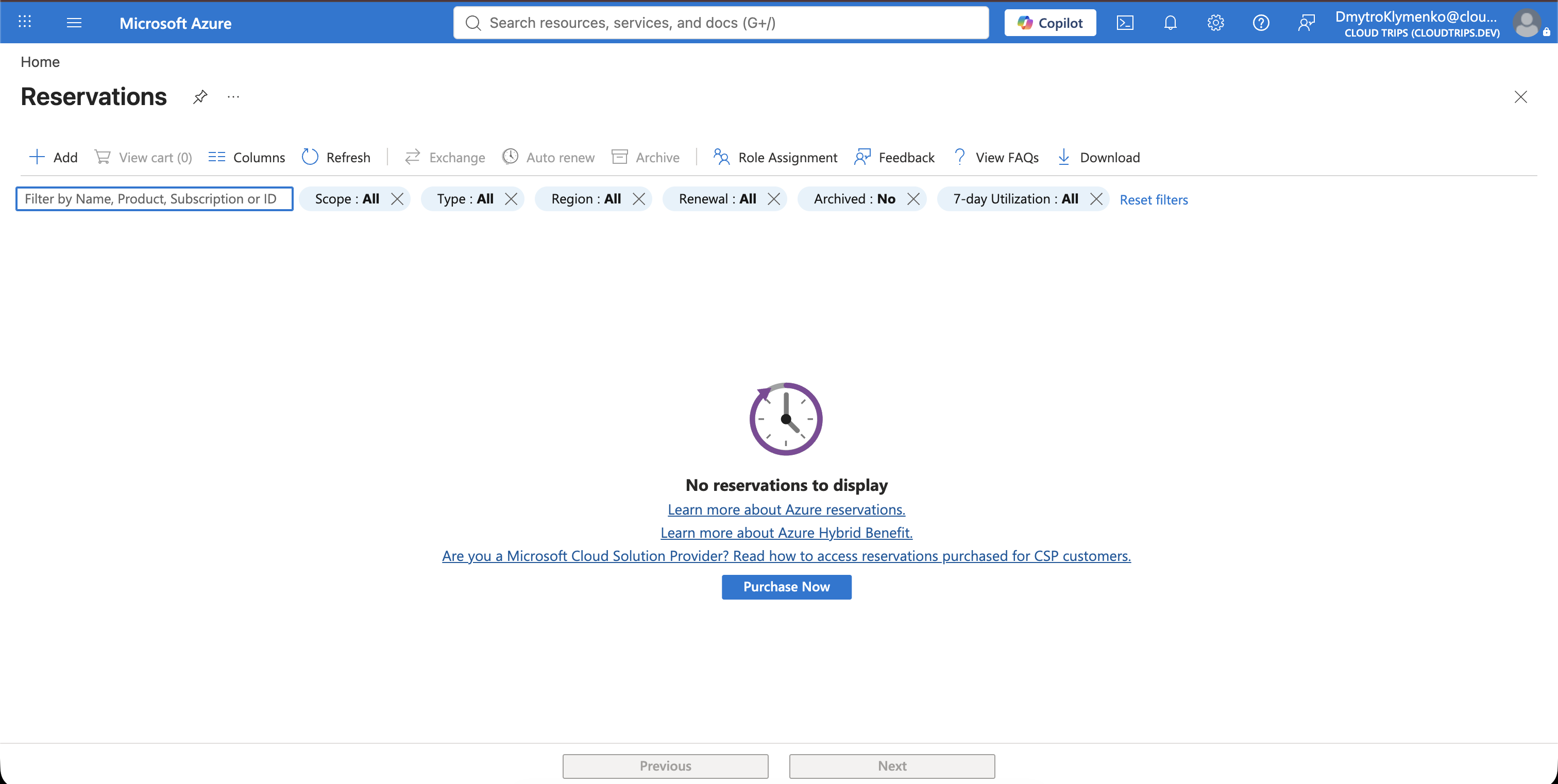
Review Azure’s Recommendation
In Reservations, select Add, choose the relevant product, and open the Recommended view. Azure analyzes hourly usage over recent lookback periods and recommends a quantity only when its simulation identifies savings.
Review:
Product and SKU
Region
Recommended quantity
One-year and three-year savings
Lookback period
Eligible scope
For the current CloudTrips environment, Azure shows:
We did not find any recommendations
See all products
Stop here. See all products opens the reservation catalog, but it is not a recommendation to buy anything. New CloudTrips subscriptions or resources without a stable usage history might not yet provide enough evidence for a reservation.
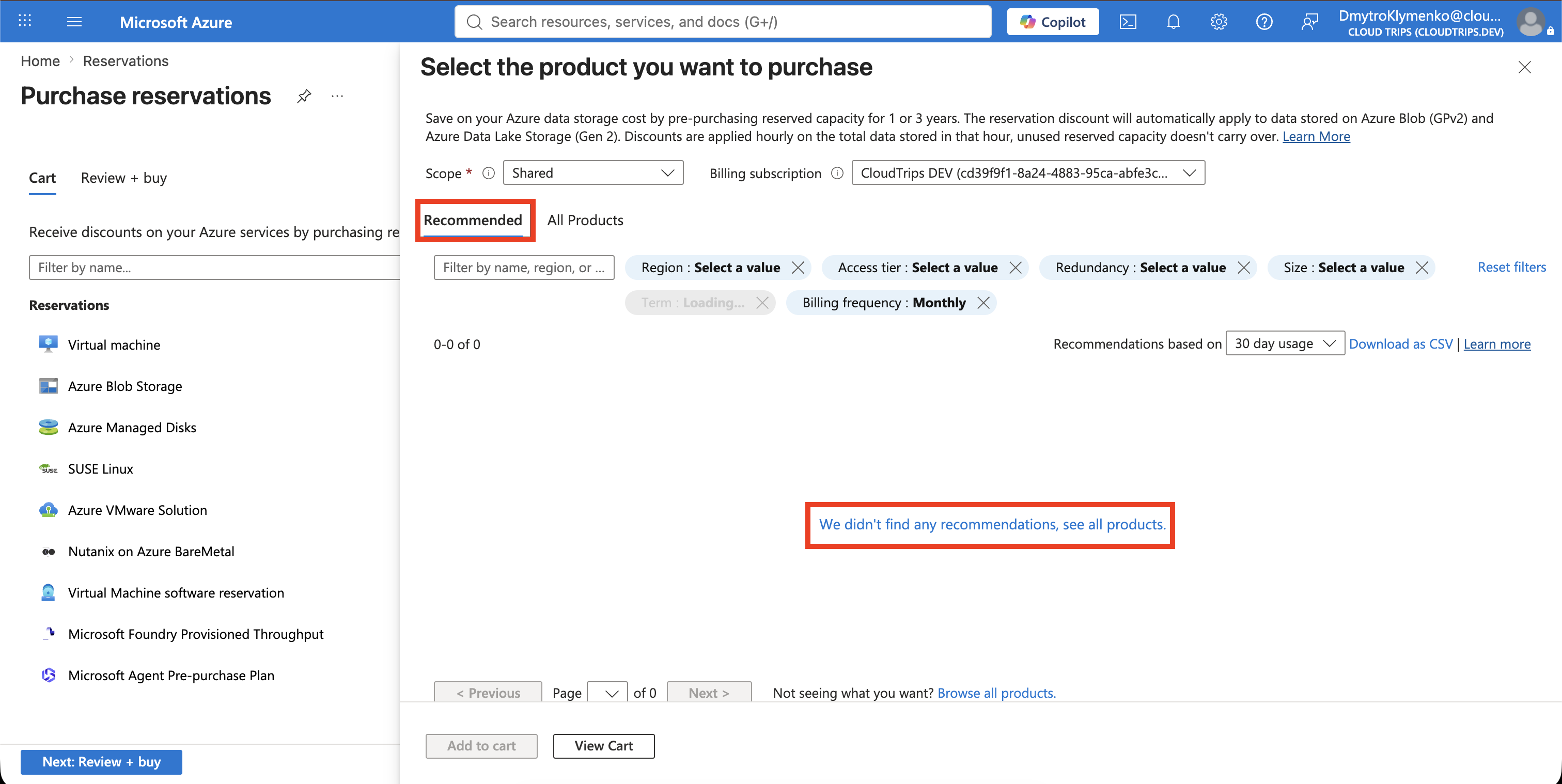
This is a valid result. Continue using pay-as-you-go pricing and review the Recommended view again after the workload has accumulated stable usage history.
If Azure later provides a recommendation, verify the product, region, SKU, quantity, term, billing subscription, and benefit scope. A one-year term is a more cautious first commitment than three years, but it still requires approval. Monthly billing spreads the same total price across the term; it is not a cancel-anytime plan.
After an approved purchase, monitor Reservations > Utilization regularly because unused reserved hours are wasted.