Department Needs Collaboration Mailbox or Team? Create a Microsoft 365 Group
When a department needs a shared workspace in Microsoft 365, you should not create individual mailboxes or separate permissions.
Instead, you create a Microsoft 365 Group.
A Microsoft 365 group provides:
- shared mailbox
- shared calendar
- Teams integration, optional
- shared files via SharePoint
It is the standard collaboration unit in Microsoft 365.
Open Groups in Entra
Go to:
Entra ID > GroupsThen select:
New group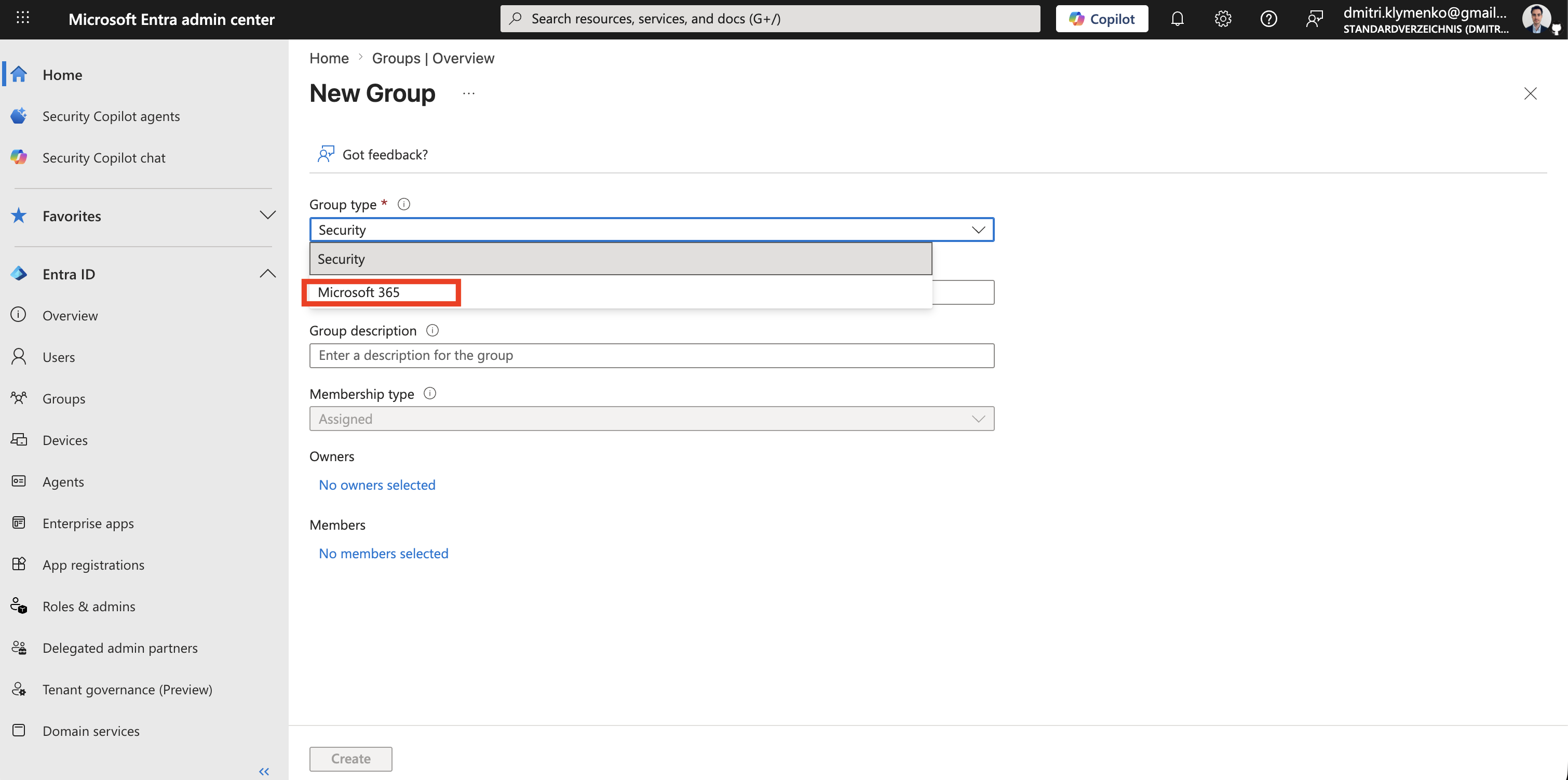
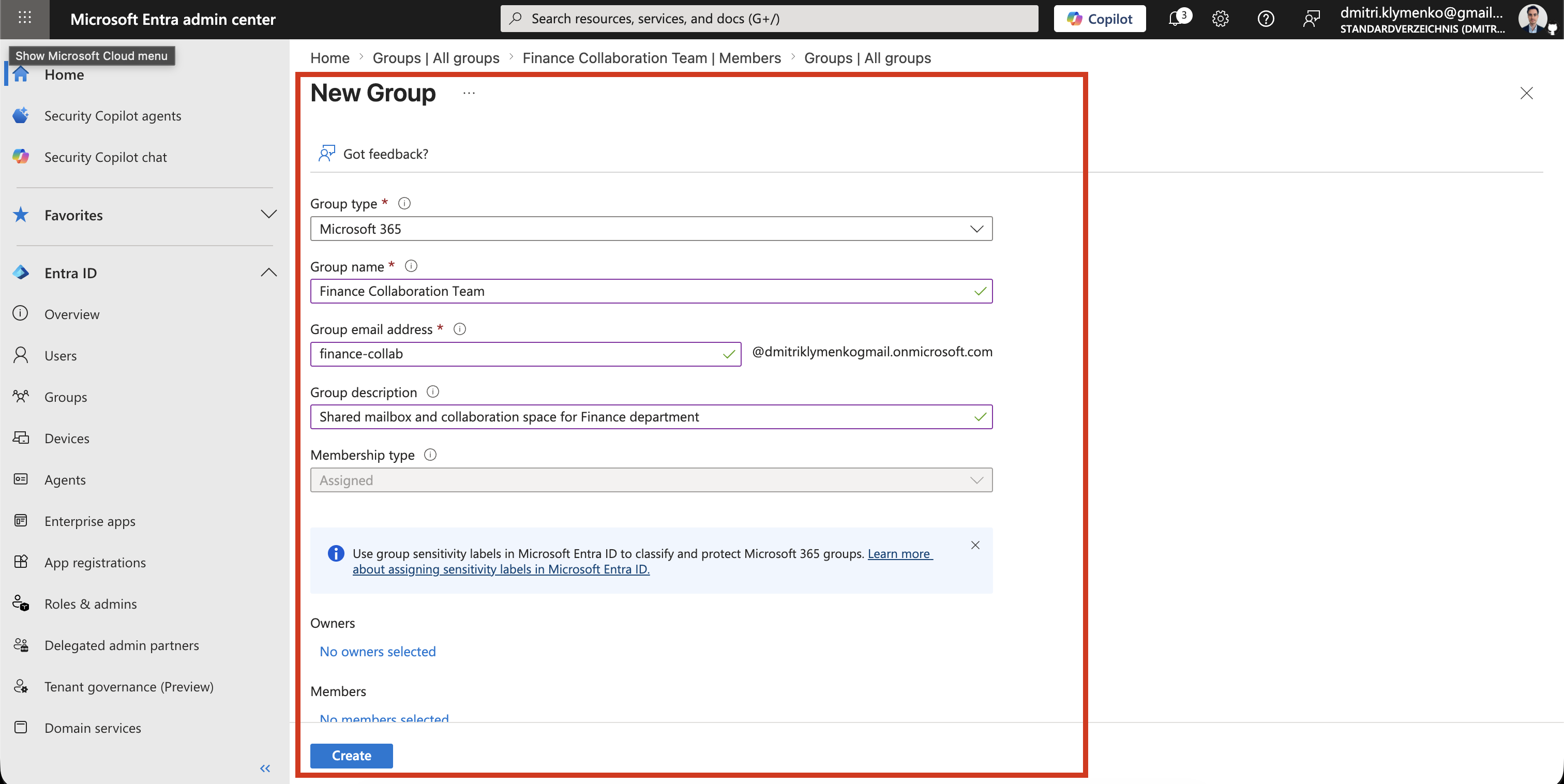
Create Microsoft 365 Group
Configure the group:
Group type: Microsoft 365
Group name: Finance Collaboration Team
Group email: finance-collab@dmitriklymenkogmail.onmicrosoft.com
Description: Shared mailbox and collaboration space for Finance department
This creates a unified collaboration object across Microsoft 365 services.
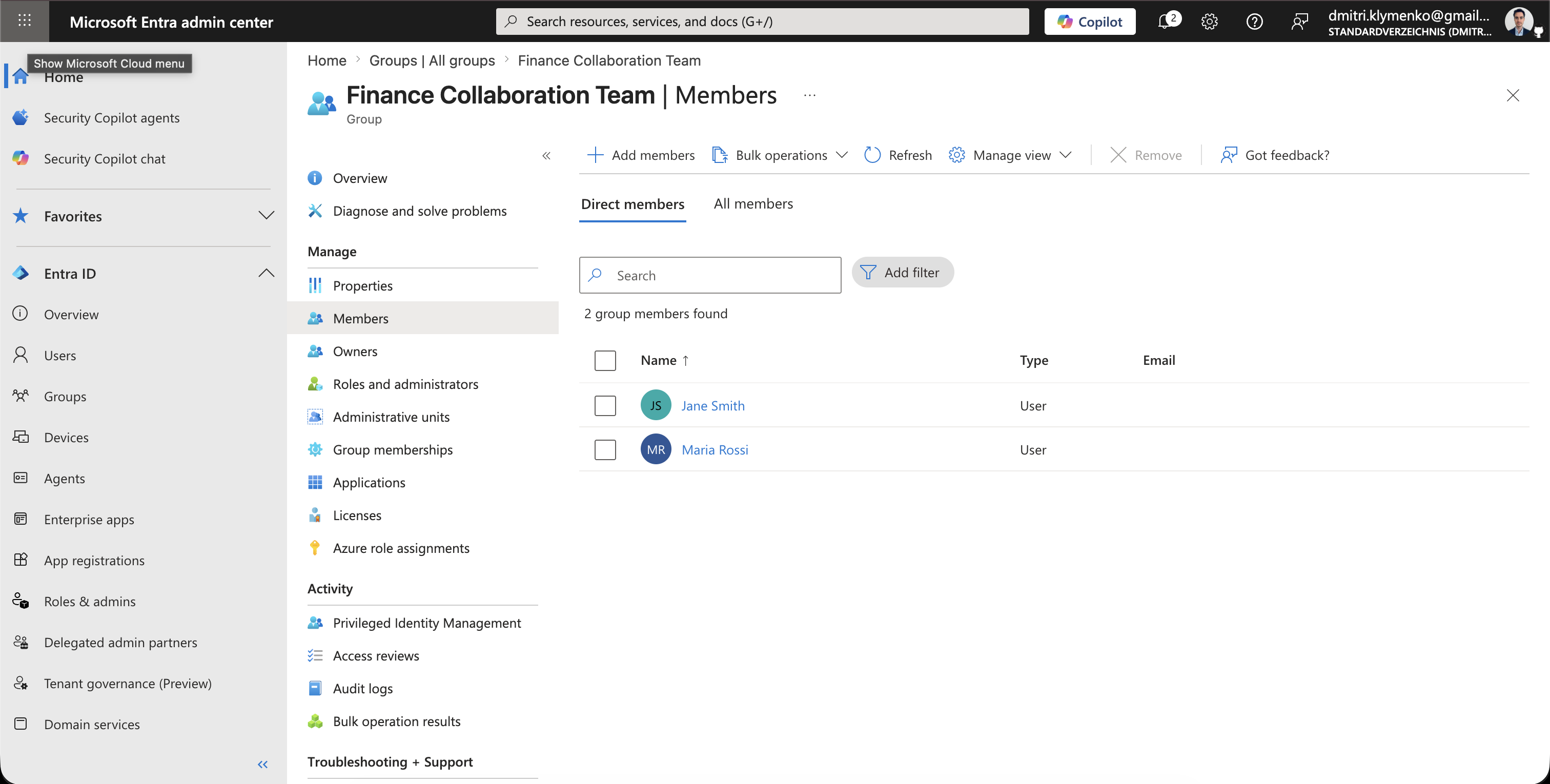
Add Members
Add users or existing Entra identities:
Members: Finance users, managers, or external guests, if allowedMembers automatically gain access to:
- shared mailbox
- shared calendar
- SharePoint site
- optional Teams workspace
Result
After creation, the group is immediately usable as a collaboration hub:
- emails sent to group address go to all members
- shared calendar becomes available in Outlook
- files are stored in connected SharePoint site
- can be upgraded to Microsoft Teams if needed